On this page
Claude Code for RevOps: Automate Pipeline Cleanup in 30 Mins
 IA
IALearn how to automate RevOps workflows like pipeline cleanup and territory reporting using plain English with Claude Code. No coding experience required.
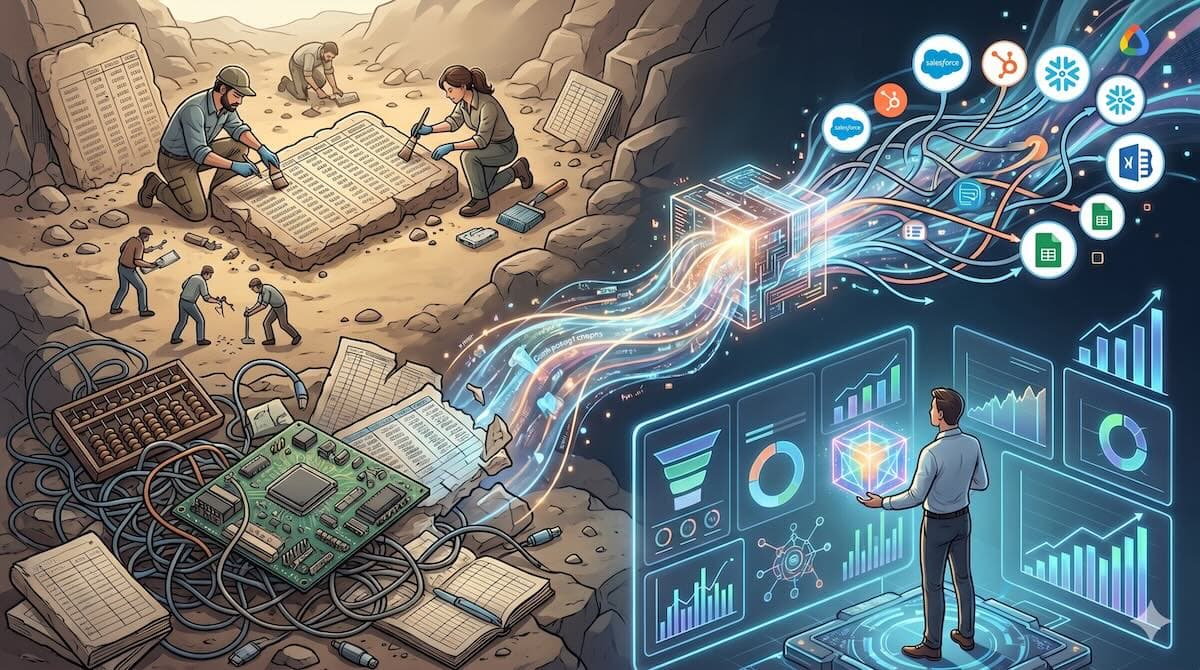
66% of organizations report productivity and efficiency as the top benefit from AI (Deloitte, 2025). Yet most RevOps teams are still cleaning pipeline data by hand, stitching reports across five tools, and spending Monday mornings on spreadsheet archaeology. The gap isn't ambition. It's knowing where to start.
Claude Code is Anthropic's AI coding tool. It's the fastest-growing developer product in history, used by teams at Spotify, Stripe, Shopify, and NASA. But here's what most guides won't tell you: you don't need to be an engineer to use it. If you can write a sentence, you can automate a RevOps workflow.
This guide walks you through setup, your first automation, and building repeatable RevOps commands. No programming experience required.
Our experience: In my own consulting work, a pipeline deduplication task that ate 4 hours every Monday now runs in under a minute. Not because I learned to code. Because I learned to describe what I needed in plain English.
AI-powered revenue engine overview → guide to AI sales automation strategy
Key Takeaways
66% of organizations already see productivity gains from AI; RevOps teams that don't adopt AI tooling will fall behind on speed and accuracy (Deloitte, 2025)
Claude Code lets you automate pipeline cleanup, territory reporting, and CRM data tasks by describing what you want in plain English
You can go from zero to your first working automation in under 30 minutes with no programming background
The difference between one-off automation and a repeatable RevOps system is a single CLAUDE.md file
Chase AI walks through Claude Code for absolute beginners, from installation to deployment. (39 min)
Prerequisites: What You'll Need Before Starting
What you'll need:
Claude Code installed (download and setup guide)
An Anthropic account with API access or a Claude Pro subscription ($17-20/month)
A RevOps use case ready: a CSV export from your CRM, a pipeline report, a territory spreadsheet, or account data you want to clean
Basic comfort opening a terminal (if you've ever run a command in Excel, you're ready)
Time: ~30 minutes for your first automation
Difficulty: Beginner
Don't overthink the use case. Grab something that's currently annoying you. A pipeline export with duplicate accounts? A territory spreadsheet that needs to be split by rep? The messier the data, the better the demo.
Step 1: Install Claude Code and Connect Your Workspace
Claude Code Pro costs $20/month and is used by teams at Spotify, Stripe, and NASA (Anthropic, 2026). By the end of this step, Claude Code will be running on your machine and pointed at your RevOps project folder.
Open your terminal and install Claude Code:
npm install -g @anthropic-ai/claude-code
If you don't have Node.js installed, download it from nodejs.org first (v20+). This takes about 3 minutes.
Once installed, authenticate:
claude login
This opens a browser window to link your Anthropic account. After authentication, create a folder for your RevOps project and open it with Claude Code:
mkdir revops-automation
cd revops-automation
claude
You're now inside Claude Code. It looks like a terminal, but you interact with it by typing plain English. Try your first prompt:
List the files in this directory and tell me what kind of RevOps project we could build here.
Claude will respond conversationally. This is the core interaction model. You describe what you want. Claude does it.
Claude Code skills guide → how to build CLAUDE.md for AI tools

Step 2: Teach Claude Code Your RevOps Stack
Only 1 in 5 companies has mature governance for autonomous AI agents (Deloitte, 2025). The teams that get this right aren't the ones with the biggest AI budget. They're the ones who defined their rules upfront. By the end of this step, Claude will understand your tech stack, KPIs, and naming conventions.
This is the step most people skip. It's also the difference between Claude being a generic assistant and Claude being your RevOps teammate.
Create a file called CLAUDE.md in your project folder. This is Claude Code's memory file. It reads it at the start of every session. Here's a template for RevOps teams:
# RevOps Automation Project

## Our Tech Stack
- CRM: Salesforce (Sales Cloud)
- Marketing Automation: HubSpot Marketing Hub
- Data Warehouse: Snowflake
- Spreadsheets: Google Sheets for ad-hoc analysis

## Our KPIs
- Pipeline coverage ratio: target 3x
- Sales cycle length: median 34 days
- Win rate: 22% overall, 31% for inbound
- ACV: $47K new business, $12K expansion

## Key Data Fields
- Accounts: Account Name, Industry, Employee Count, ARR, CSM Owner
- Opportunities: Opp Name, Stage, Amount, Close Date, Rep, Type (New/Expansion)
- Territory mapping: Rep → Region → State/Country

## Naming Conventions
- Opportunity names: [Company] - [Product] - [Quarter] (e.g., Acme - Pro - Q2'26)
- Segments: Enterprise (1K+ employees), Mid-Market (100-999), SMB (<100)
Why this matters more than you think: When you ask Claude to "clean the pipeline data," it needs to know what "clean" means in your context. Should it flag deals with no close date? Normalize company names? Check if territories match? Without CLAUDE.md, it guesses. With it, it applies your rules.
90% of tech workers now use AI tools on the job, up from 14% in 2024 (ExplodingTopics/McKinsey, 2025). The teams getting real ROI aren't the ones with the smartest AI. They're the ones who spent 10 minutes teaching it in their context.
Context engineering vs flow-based agents → why static context beats dynamic for repeatable workflows
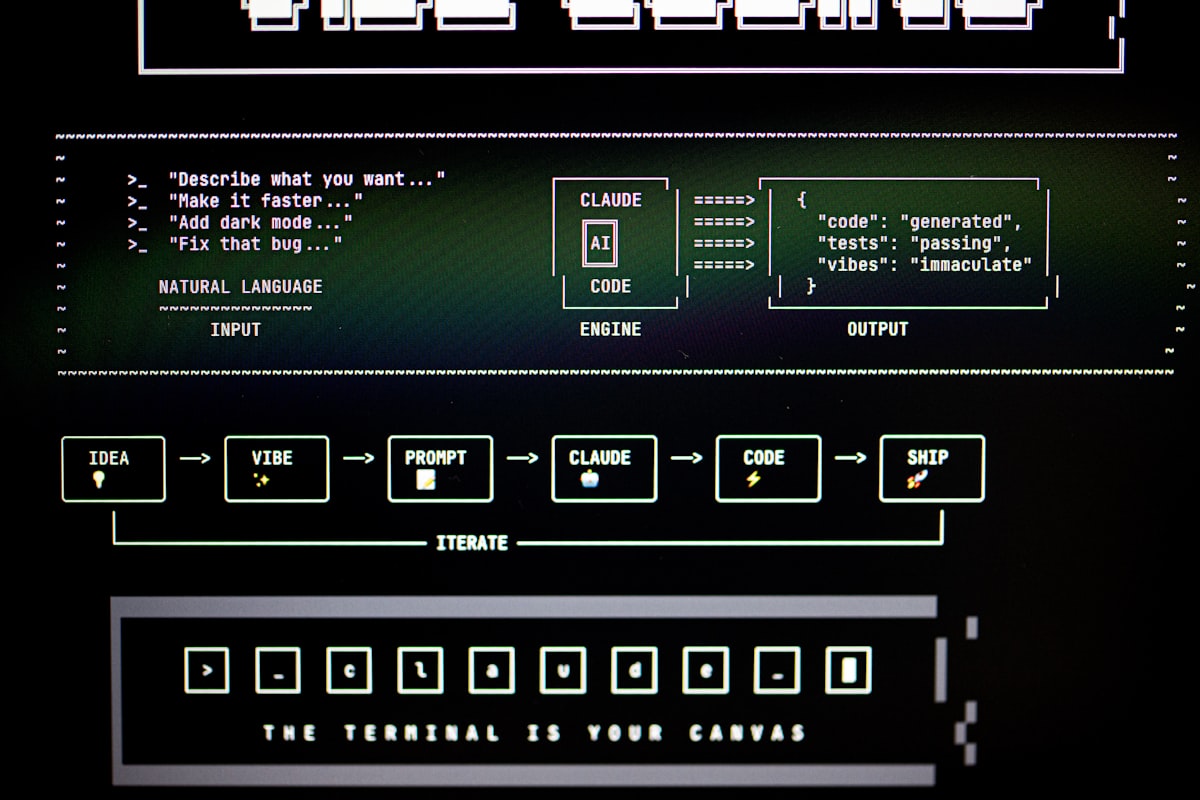
Step 3: Automate Your First RevOps Workflow
By the end of this step, you'll have automated a real RevOps task that currently takes you 30+ minutes.
Let's start with a classic: cleaning a pipeline CSV export. Grab a pipeline report from your CRM. Export it as CSV. Drop it in your revops-automation folder.
I've done this exact workflow with teams where the export had 2,400 rows, duplicate accounts, missing close dates, and inconsistent company naming. Manual cleanup took one person's entire Monday morning. Here's the Claude Code version.
In Claude Code, type:
Read pipeline-export.csv. Clean this data:

1. Deduplicate by Account Name (keep the most recent opportunity by Close Date)
2. Flag any opportunities missing Close Date, Amount, or Rep
3. Normalize company names (strip "Inc.", "LLC", "Corp." suffixes)
4. Validate territories: each Rep should map to exactly one Region
5. Output a cleaned CSV and a summary of what you fixed

Use the naming conventions and territory mapping from CLAUDE.md.
Claude reads your file, applies the rules, and writes a cleaned CSV. It also produces a summary:
Cleaned pipeline-export.csv:
- 47 duplicate opportunities removed (1,953 → 1,906 rows)
- 12 opportunities flagged: missing Close Date (8), missing Amount (4)
- 89 company names normalized
- Territory validation: 3 mismatches found (Sarah Chen assigned to both
  West and Southwest)
- Cleaned file saved as pipeline-export-cleaned.csv
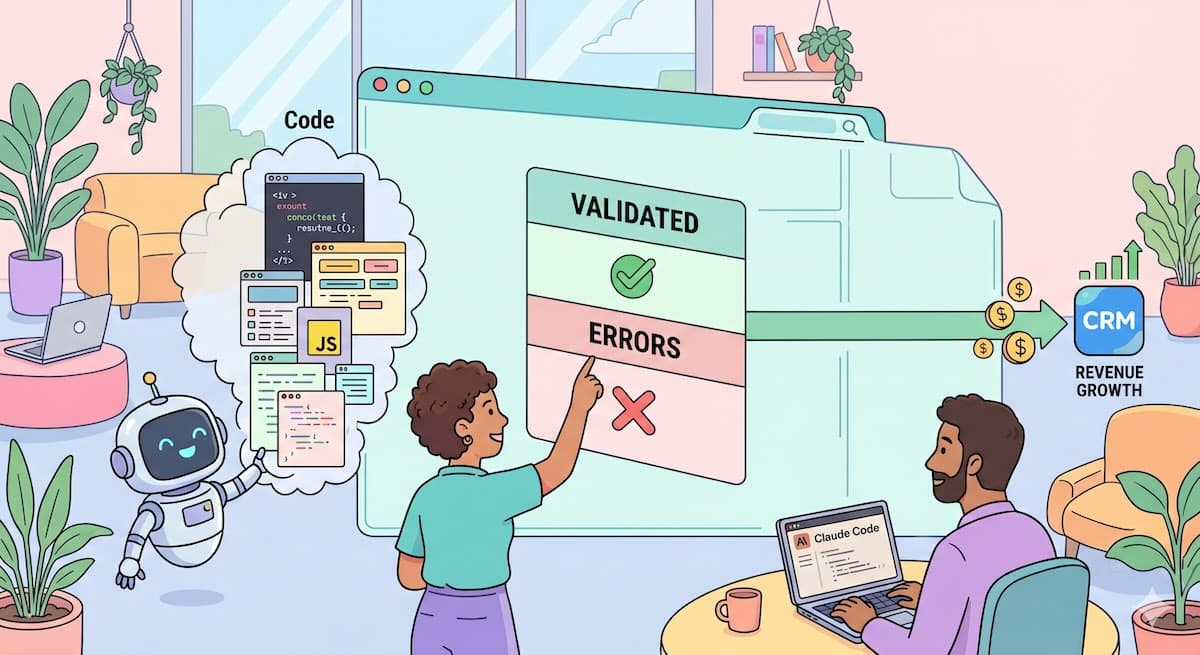
That's the moment it clicks. You didn't write a formula or a macro. You described what you wanted and got working output.
According to MarketsAndMarkets, AI agents reduce manual workload by over 60% in data-intensive tasks such as reconciliation and data entry (MarketsAndMarkets, 2025). Pipeline cleanup is exactly this category of work.
Manual Workload Reduction with AI Agents Manual Workload Reduction with AI Agents % of manual effort reduced by task type

AI agents cut manual data workloads by 60%+ across common ops tasks. Pipeline cleanup shows similar reduction potential. (MarketsAndMarkets, 2025)
According to Deloitte's 2025 State of AI in the Enterprise study, which surveyed 3,235 senior leaders across 24 countries, 66% of organizations report productivity and efficiency as their primary AI benefit. For RevOps teams specifically, pipeline data cleanup and report generation represent the highest-ROI starting points because they're rule-based, repeatable, and currently eat hours of manual work each week.
GitHub repos for RevOps automation → pre-built Claude Code projects for sales ops
Step 4: Build Reports and Dashboards with Natural Language
By the end of this step, you'll generate a pipeline health report from raw data using only English prompts.
Take your cleaned pipeline CSV. Now ask business questions in plain English:
Using pipeline-export-cleaned.csv, answer:

1. What's our pipeline coverage ratio by region?
2. Which reps have the highest concentration of early-stage deals
   (Stage 1-2) as a percentage of their pipeline?
3. Show me deals that have been sitting in Stage 3 for more than
   30 days (slipping deals)
4. What's the average deal size by segment, and how does it compare
   to our ACV targets from CLAUDE.md?

Output the answers as a markdown report with:
- A summary table for each question
- The top 3 risks you'd flag in a pipeline review
Claude reads your data and produces a report. Here's what the output looks like for question 4:
## Average Deal Size by Segment vs. ACV Targets

| Segment   | Avg Deal Size | ACV Target | Variance |
|-----------|--------------|------------|----------|
| Enterprise| $52,300      | $47,000    | +11.3%   |
| Mid-Market| $38,100      | $47,000    | -18.9%   |
| SMB       | $11,200      | $47,000    | -76.2%   |

**Flag:** Mid-Market ACV is 19% below target. This segment's pipeline
is volume-heavy but dollar-light. Consider whether discounting or smaller
initial land deals are pulling the average down.
This is where Claude Code diverges from dashboard tools. A dashboard shows you the number. Claude explains what the number means, flags what's anomalous, and suggests what to investigate. It's the difference between a thermometer and a doctor.
42% of marketing and sales departments are already regularly using generative AI (McKinsey/ExplodingTopics, 2025). But most of that usage is content generation. The bigger unlock, and the one with fewer competitors, is using AI for revenue analysis.
Eval datasets for AI RevOps → how to validate AI output quality
Step 5: Create Repeatable Automations with Custom Commands
By the end of this step, you'll have custom slash commands that your whole RevOps team can use.
One-off prompts are great. Repeatable commands are the real payoff. Claude Code supports custom slash commands: type /command-name And Claude runs your pre-defined workflow.
Create a .claude/commands folder and add a markdown file for each command:
mkdir -p .claude/commands
Create .claude/commands/clean-pipeline.md:
Read the pipeline CSV in this directory. Clean it using the rules in CLAUDE.md:

1. Deduplicate by Account Name (keep most recent by Close Date)
2. Flag opportunities missing Close Date, Amount, or Rep
3. Normalize company names (strip Inc., LLC, Corp.)
4. Validate territory mapping against CLAUDE.md
5. Output cleaned CSV + summary of changes
Now, anyone on your team can type /clean-pipeline in Claude Code and get the same result. No prompt engineering required. No copying and pasting from a playbook.
Team adoption pattern we've observed: RevOps teams that create 3-5 custom commands covering their weekly workflows (pipeline cleanup, territory report, QBR data prep) see 4x higher daily usage than teams that rely on ad-hoc prompting. The commands become muscle memory.
Additional commands worth building:
/territory-report— Generate coverage analysis by rep/region/qbr-prep— Pull together pipeline, won/lost, and forecast data for quarterly business reviews/account-research— Research target accounts using web search and CRM data side by side
Building business case for AI revenue tools → ROI framework for RevOps automation
Step 6: Connect to External Tools via MCP
34% of organizations now use AI to transform core business processes, up 2x from the prior year (Deloitte, 2025). By the end of this step, Claude Code can read from and write to your actual CRM, not just CSV exports.
CSV files are the on-ramp. MCP (Model Context Protocol) is the highway. It lets Claude Code connect directly to external tools: Salesforce, HubSpot, Google Sheets, Slack, your data warehouse.
The AI agents market is projected to grow from $5.26 billion in 2024 to $52.62 billion by 2030, a 46.3% CAGR (MarketsAndMarkets, 2025). MCP is the protocol layer making those integrations possible.
Here's how to connect Google Sheets, the most common RevOps starting point:
# Install the Google Sheets MCP server
npx @anthropic-ai/mcp-server-google-sheets
Add to your Claude Code MCP config (~/.claude/mcp.json):
{
  "mcpServers": {
    "google-sheets": {
      "command": "npx",
      "args": ["@anthropic-ai/mcp-server-google-sheets"],
      "env": {
        "GOOGLE_SERVICE_ACCOUNT_KEY": "{{env.GOOGLE_KEY}}"
      }
    }
  }
}
Now in Claude Code, you can say:
Pull the "Q2 Pipeline" sheet from our RevOps Google Sheet. Run the
pipeline health checks from Step 4, and write the results to a new
tab called "Pipeline Health - May 18".
No export. No import. No manual step in between.
For CRM integrations, MCP servers are available for Salesforce, HubSpot, and most major RevOps tools. The setup pattern is the same: install the server, add credentials to your config, and Claude Code handles the rest. Start with Google Sheets (lowest-stakes, fastest win), then graduate to CRM read access, then to write access once you've validated output quality.
34% of organizations are now using AI to fundamentally transform business processes, up 2x from the prior year (Deloitte, 2025). Direct CRM integration is the line between using AI as a calculator and using it as an operating system.
Agent-operable CRM economics → the business case for AI-native CRM infrastructure
Common Mistakes to Avoid
1. Skipping CLAUDE.md setup
Most RevOps teams jump straight to prompts and get frustrated when Claude doesn't understand their business. Ten minutes of writing down your KPIs, naming conventions, and tech stack saves hours of correction later. Claude Code reads this file at session start. An empty CLAUDE.md means Claude starts from zero every time.
2. Expecting perfect output on the first try
AI automation is iterative. Your first pipeline cleanup won't catch every edge case. That's fine. Run it, review the output, add a sentence to your prompt about what it missed, and run it again. Each iteration takes seconds, not hours. After three rounds, most RevOps workflows are production-ready.
3. Automating before understanding the manual process
If you can't explain your pipeline cleanup rules to a new hire in 5 minutes, you can't explain them to Claude Code either. Map the manual process first. Document the edge cases. Then automate. Teams that skip this step spend more time debugging AI output than they saved by using AI.
4. Treating Claude Code as read-only
The real efficiency comes when Claude writes back to your systems: updating CRM fields, creating Google Sheets tabs, and generating Slack summaries. Start read-only (CSV analysis), validate output for a week, then graduate to write access. Don't stay in read-only mode forever because you're nervous about accuracy. 66% of organizations are already getting measurable productivity gains. The cautious approach is falling behind, not being careful.
What Success Looks Like
If you've followed each step, here's what your RevOps week looks like now:
Monday pipeline cleanup: 4 hours → 90 seconds (
/clean-pipeline)Territory coverage analysis: 2 hours → 30 seconds (
/territory-report)QBR data prep: 6 hours → 5 minutes (
/qbr-prepwith human review)Ad hoc leadership question: "I'll get back to you tomorrow." → answered in the meeting
Weekly RevOps Time Savings with Claude Code Automation Weekly RevOps Hours: Before vs. After Claude Code

Weekly hours comparison for common RevOps workflows before and after Claude Code automation.
The stretch goal: once MCP connects Claude Code to your live CRM, these become zero-touch. The report arrives in Slack before you open your laptop.
How to cut AI coding costs → optimize your Claude Code spend
Frequently Asked Questions
Do I need to know how to code to use Claude Code?
No. Every workflow in this guide uses plain English prompts. If you can write a Slack message explaining what you need, you can use Claude Code. The terminal interface looks technical, but you're typing sentences, not code. 90% of tech workers now use AI tools on the job, and most aren't engineers (ExplodingTopics/McKinsey, 2025).
What does Claude Code cost for a RevOps team?
Claude Code Pro is $17/month (annual) or $20/month. Max plan with higher limits runs $100-200/month. For a 3-person RevOps team automating 12+ hours of manual work per week, the ROI lands in the first afternoon. AI agents reduce manual workloads by over 60% in data-intensive tasks (MarketsAndMarkets, 2025), so even the Max plan pays for itself in a day.
Is my CRM data safe with Claude Code?
Claude Code processes data locally. Your CSV files and CRM exports stay on your machine unless you explicitly configure MCP server connections. Anthropic's API processes prompts for generation but doesn't train on your data. For regulated industries, CSV-based workflows (Steps 1-5) keep data entirely local. 48% of organizations cite worker skills as their top AI barrier (Deloitte, 2025), not data security.
How is this different from ChatGPT or Copilot?
ChatGPT is a chat interface. Copilot is primarily for code completion in an IDE. Claude Code is a terminal-native agent that reads your files and understands your project structure via CLAUDE.md, runs commands, and writes output back to your system. For RevOps workflows, the file system integration is what makes it useful beyond Q&A.
How long until my team is self-sufficient?
One week. Day 1: one person follows this guide and builds the first 3 custom commands. Day 2-3: they run them alongside manual processes and validate output. Day 4-5: The rest of the team starts using the commands. By week two, the commands are muscle memory, and someone's already building /qbr-prep.
Conclusion
You went from zero to a working RevOps automation stack. You installed Claude Code, taught it your business context, automated pipeline cleanup, built reports from natural language, created reusable slash commands, and connected to external tools through MCP.
The AI agents market is heading toward $52 billion, and 66% of organizations are already capturing productivity gains. The RevOps teams that win won't be the ones with the biggest tool budgets. They'll be the ones who spent a Friday afternoon learning to describe their workflows in plain English.
What happens Monday morning? You open your terminal, type/clean-pipeline, and watch 4 hours of work finish in 90 seconds. Then you go figure out what to do with the time you just got back.